
Pixlr.
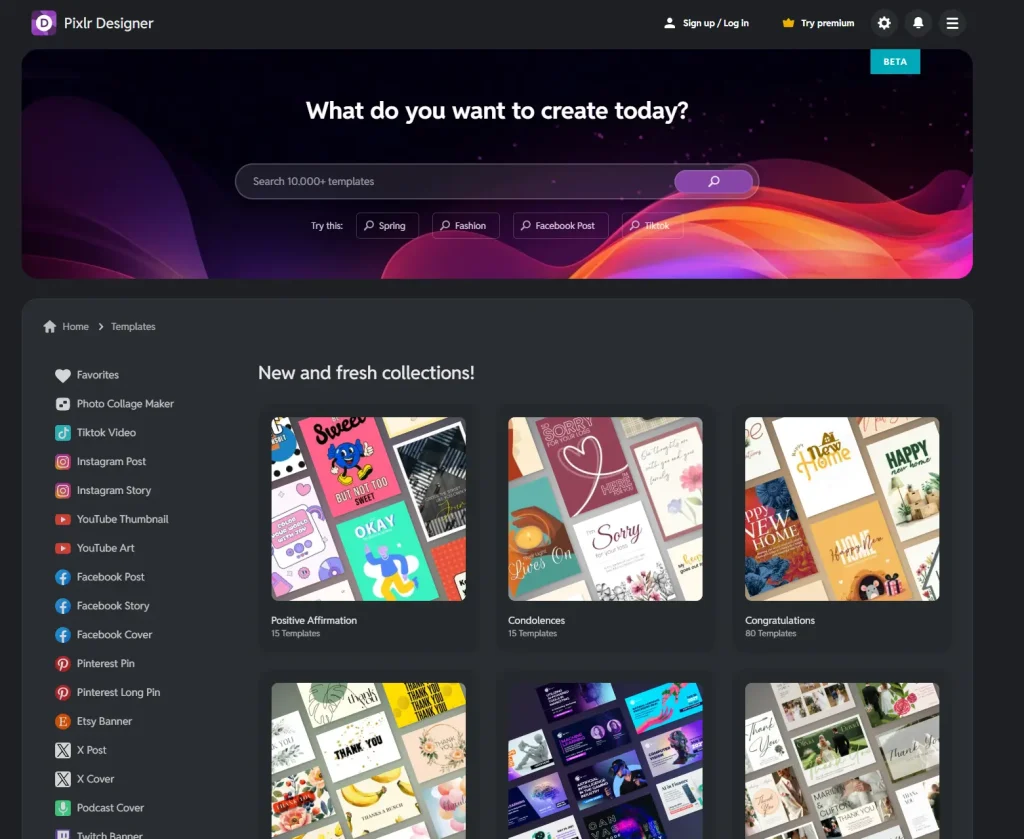
Browser-based photo editor with AI retouching, enhancement and upscaling.
LISTEDNot checked against vendor documentation yetScore Not run yet
What we checked
Nothing has been checked against vendor documentation yet. This tool is listed: a lead, not a recommendation.
Score: not run yet
A score appears only after the AI image brief is run on Pixlr and a named person grades the outputs.
Affiliate link, never changes a label
Verdict from our earlier review
From our earlier Pixlr review. The label and facts above are the current record.
Pixlr is a standout in the Image AI space, offering a powerful suite of tools designed to breathe new life into any visual.
It specializes in high-quality photo retouching and intelligent upscaling, making it an essential platform for creators who need to polish their images without mastering complex software. With its web-based accessibility and robust auto-enhancement features, Pixlr ensures that every photo looks professional, clear, and production-ready with minimal manual effort.
The primary support channels for Pixlr typically include:

Community Forum
Connect with other creators to share tips and creative workflows.

In-App Guided Tips
Instant help within the editor to maximize the impact of AI tools.

Extensive Help Center & Tutorials
Your go-to guide for mastering AI retouching and photo editing.

Email Support System
A dedicated hub for technical assistance and account inquiries.
Basic Level
The sequential retouching process is incredibly intuitive. Users can simply select the AI tool they need and watch as the platform automatically cleans up blemishes or enhances image quality without any learning curve.
Intermediate Level
Users appreciate the fine balance between AI automation and the ability to manually guide the retouching process, offering enough flexibility to achieve specific visual results without complex controls.
Advanced Level
While the AI upscaling and auto-enhancement are top-tier for high-resolution needs, the platform is designed for streamlined cleanup rather than deep, multi-layer generative manipulation found in high-end desktop suites.
Model card
- What it does
- Browser-based photo editor with AI retouching, enhancement and upscaling.
- Category
- AI image tools
- Evidence
- LISTED
- Score
- Not run yet
Alternatives to Pixlr
- SmartliLISTED
AI image enhancement, retouching and branding tools aimed at online sellers.
- AdCreativeLISTED
Generates ad creatives, social posts and video ads for marketing campaigns.
- AltTextAILISTED
Generates alt text for images to support SEO and accessibility.

FAQ
What does Pixlr do?
Browser-based photo editor with AI retouching, enhancement and upscaling.
What does Pixlr cost?
Plans have not been checked against the vendor’s own pages yet. Check the current plan on the Pixlr site before you buy.
What does the LISTED label mean?
In the directory, not verified yet. Treat it as a lead, not a recommendation.
How does Pixlr compare to alternatives?
See the alternatives section above or our full side-by-side compare.
Try Pixlr today.
Prices change. Check the current plan before you buy.
Affiliate link. It never changes an evidence label.