Content marketing is evolving fast — and AI tools are now essential for competitive teams. Here’s our curated list of the best AI tools across every content marketing function.
Best AI Writing Tools for Content
Jasper AI ($39/mo) — Brand voice consistency, 50+ templates, excellent team collaboration. Best for agencies and brands.
Writesonic ($49/mo) — SEO-first writing with unique GEO monitoring. Best for organic-focused teams.
Copy.ai ($29/mo) — Multi-model access, unlimited words, strong workflow automation. Best for GTM teams.
Best AI SEO Tools
Surfer SEO — Content optimization and keyword research. The gold standard for on-page SEO.
MarketMuse — Strategic content planning, calendars, and gap analysis.
Writesonic GEO — Track your brand’s visibility across AI platforms.
Best AI Video Tools for Content
Synthesia — AI avatar video creation. Used by 90% of Fortune 100 companies.
Descript — Convert podcasts and webinars into blog posts and social clips.
Best AI Design Tools
Canva AI — Magic Write plus design tools in one platform.
Midjourney — High-quality image generation for blog graphics and social media.
Best AI Analytics & Distribution
StoryChief — Content calendar plus multi-platform posting.
HubSpot — CRM-integrated content analytics and performance tracking.
How to Build Your AI Content Marketing Stack
Don’t try to do everything with one tool. Combine 2-3 specialized tools: one for writing (Jasper or Writesonic), one for SEO (Surfer), and one for distribution (StoryChief or HubSpot).
FAQ
What’s the best all-in-one AI tool for content marketing?
No single tool does everything well. Jasper + Surfer SEO is the most popular combination.
How much should I budget for AI content marketing tools?
$50-150/month for a solo marketer. $200-500/month for a team.
Can AI replace content marketers?
No. AI handles the heavy lifting of drafting and optimization. Humans provide strategy, creativity, and brand authenticity.
Which AI tool has the best ROI for content marketing?
Surfer SEO for optimization of existing content. Jasper for high-volume content creation.
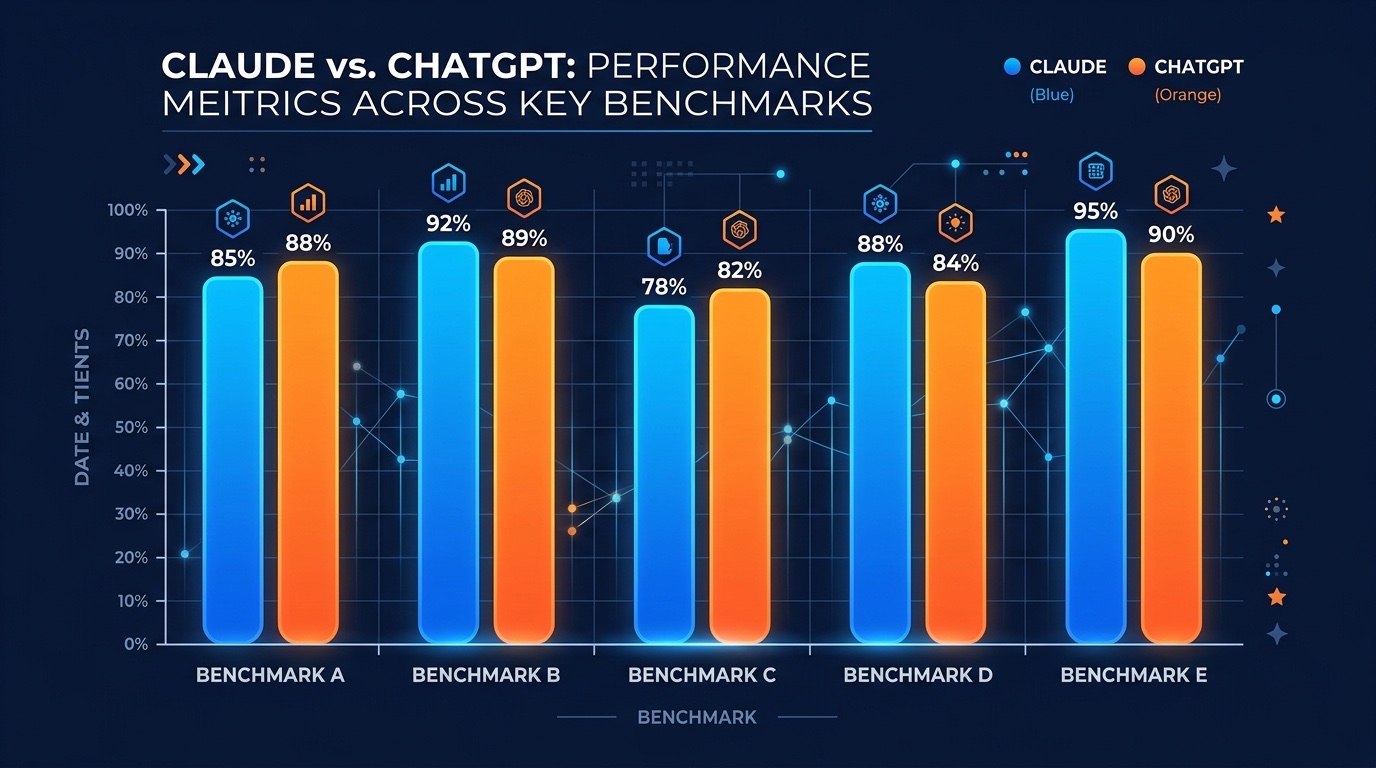
The most important AI decision you’ll make in 2026 isn’t which model is “smartest” — it’s which one fits your workflow. Claude, ChatGPT, and Gemini all clear the basic bar for writing, coding, and reasoning. But each has clear strengths, and the right choice depends entirely on what you actually do with it. Here’s the honest breakdown.
30-Second Verdict
Claude — pick if you write for a living, code in complex codebases, or need the most thoughtful long-form reasoning.
ChatGPT — pick if you want the best ecosystem: voice mode, image generation, custom GPTs, and the widest integrations.
Both, at the same time — if you can afford it. Many power users run Claude Pro and ChatGPT Plus in parallel and pick whichever fits the task.
Writing Quality
Winner: Claude. Claude 4.6 Opus produces noticeably more natural prose than ChatGPT. It’s better at holding tone and voice across a long article, avoids the “telltale AI phrases” that plague GPT output, and rarely resorts to filler. For blog posts, emails, and editorial work, most experienced writers rank Claude first.
ChatGPT still wins for short-form copy, ad hooks, and template-driven writing where you need something quick and polished.
Coding
Winner: Claude (by a small margin). Claude has led SWE-bench, HumanEval, and related benchmarks through most of 2025-2026, and it handles very large files and multi-file refactors better than GPT. The Claude Code CLI has become the default tool for serious software engineers.
ChatGPT’s Code Interpreter is still excellent for data analysis tasks, quick scripts, and anything that needs to run Python in-context. If you’re cleaning spreadsheets or generating charts from CSVs, GPT’s native code execution wins.
Reasoning & Research
Winner: Depends on the mode. ChatGPT’s o-series reasoning models outperform Claude on some hard math and science benchmarks. But for research tasks that involve reading long documents, synthesizing across multiple sources, and maintaining nuance, Claude’s extended thinking mode feels more careful and less prone to hallucination.
Context Window
Both now support very long contexts. Claude Opus 4.6 handles 200K tokens in standard mode and up to 1M with the extended context beta. GPT-4.5 and beyond offer comparable 128K-1M windows. For most users the real bottleneck isn’t the advertised max — it’s how well the model uses the context. Claude has historically been better at “needle in a haystack” retrieval inside long contexts.
Multimodal & Voice
Winner: ChatGPT. This is ChatGPT’s biggest lead. Voice Mode is smooth and natural, DALL-E 3 image generation is built in, you can share your screen in conversations, and video input works. Claude’s multimodal is still text + image only — no voice, no image generation, no video.
Ecosystem & Integrations
Winner: ChatGPT. Custom GPTs let anyone package a purpose-built assistant. The GPT Store has thousands of specialized tools. ChatGPT also integrates with Microsoft 365, Google Workspace, and countless third-party apps through Actions and plugins.
Claude is catching up through the Agent SDK, MCP (Model Context Protocol), and first-party integrations like Claude for Gmail and Claude for Chrome. Power users who work in the terminal prefer Claude Code.
Pricing (2026)
Tier
Claude
ChatGPT
Free
Claude free (rate limited)
ChatGPT free (GPT-4o mini)
Pro ($20/mo)
Claude Pro (Opus access)
Plus (GPT-4.5 + tools)
Power user ($100+/mo)
Claude Max ($100/mo)
Pro ($200/mo — unlimited o-series)
Team/Enterprise
$25/user Team
$25/user Team, Enterprise custom
When to Use Which
You write blog posts, books, or marketing copy: Claude.
You code for a living: Claude (Claude Code CLI is the default).
You do data analysis or need Python execution: ChatGPT Plus.
You want voice conversations or image generation: ChatGPT Plus.
You need to read long PDFs, contracts, or research papers: Claude.
You already pay for Microsoft 365 or Google Workspace: ChatGPT has better integrations.
You want the most custom GPT ecosystem: ChatGPT (GPT Store).
FAQ
Is Claude better than ChatGPT?
For writing quality and complex coding, yes. For ecosystem, voice, and image generation, no. The two are close enough that most power users pay for both.
Which AI is free to use?
Both offer free tiers. ChatGPT’s free tier gives you access to GPT-4o mini with limits. Claude’s free tier gives you access to Claude Sonnet with daily message limits.
Can Claude generate images?
No. Claude does not generate images as of 2026. For image generation you need ChatGPT Plus (DALL-E 3), Midjourney, or Stable Diffusion.
Which is better for coding — Claude or ChatGPT?
Claude, by most benchmarks and developer surveys. The Claude Code CLI has become the default for professional developers, especially for large codebases and multi-file edits.
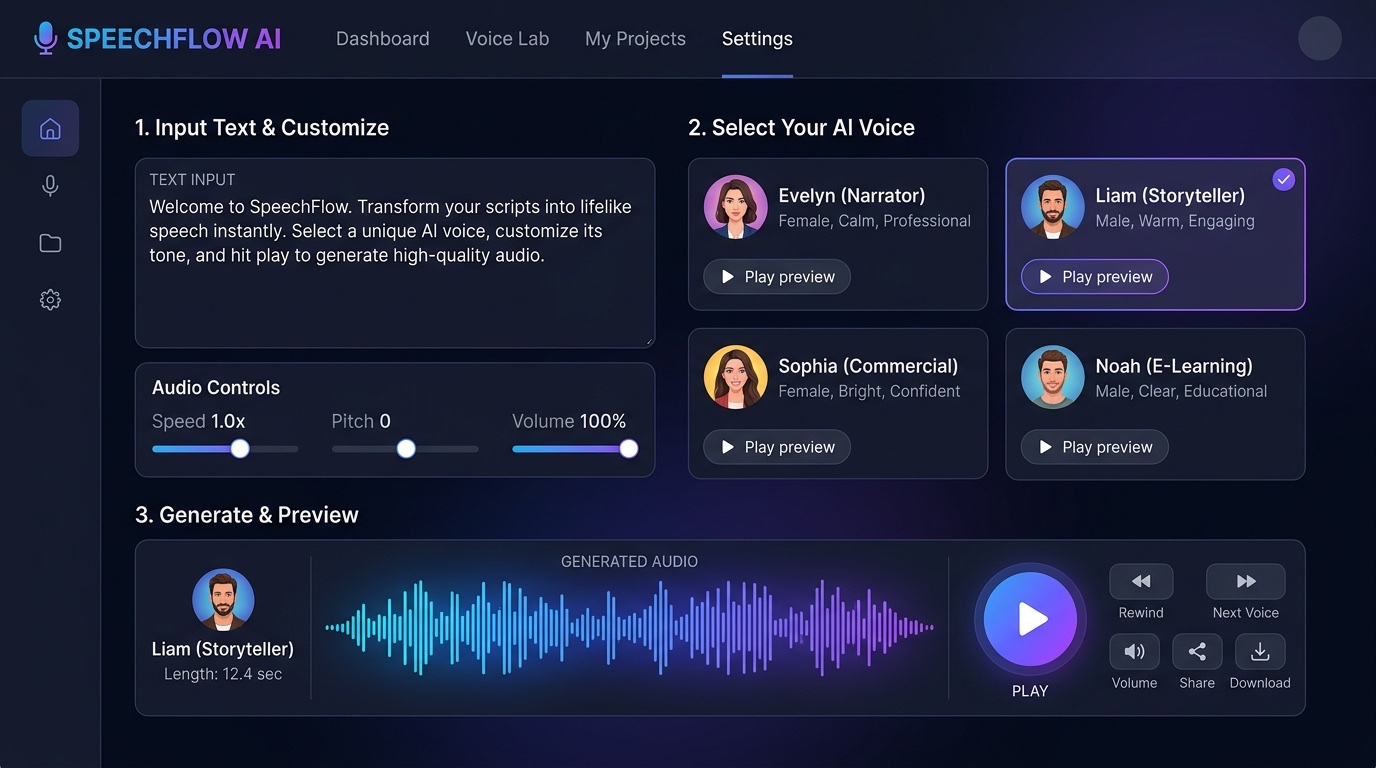
AI voice generators have gone from robotic text-to-speech to indistinguishable-from-human in under three years. In 2026, you can clone your own voice in 30 seconds, narrate a 10,000-word audiobook in minutes, or dub videos into 30 languages. Here are the 10 best AI voice generators of 2026, ranked by quality, features, and price.
Top 10 AI Voice Generators in 2026
#
Tool
Best For
Voices
Starting Price
1
ElevenLabs
Overall quality, voice cloning
3,000+
Free / $5/mo
2
Murf AI
Business videos, presentations
200+
$29/mo
3
Play.ht
Podcasts, long-form content
900+
$39/mo
4
Resemble AI
Custom voice cloning, emotion
Unlimited cloned
$19/mo
5
Speechify
Listening to articles/PDFs
200+
Free / $139/yr
6
WellSaid Labs
Corporate training, e-learning
50+ studio
$44/mo
7
Descript Overdub
Podcast editing workflow
Custom
$12/mo
8
LOVO AI
Marketing videos, ads
500+
$24/mo
9
Amazon Polly
Developers, AWS workflows
100+
Pay-as-you-go
10
Google Cloud TTS
Developers, accessibility
380+
Pay-as-you-go
1. ElevenLabs — The Gold Standard
ElevenLabs set the bar for modern AI voice generation. Its voices have genuine emotion, natural pauses, and subtle breath sounds that make them nearly impossible to distinguish from human recording. Voice cloning takes 30 seconds, and the multilingual model supports 32 languages with a single cloned voice.
Pros: Best quality on the market, generous free tier, fast cloning, 32-language support, expressive emotion control.
Cons: Usage caps on cheaper plans, strict content filter, API rate limits.
Pricing: Free (10k characters/month), Starter $5/mo, Creator $22/mo, Pro $99/mo.
2. Murf AI — Built for Business
Murf targets corporate users creating explainer videos, product demos, and training content. Its studio editor lets you layer voiceover, background music, and visuals in one timeline. The 200+ voices skew professional and polished rather than conversational.
Pros: All-in-one studio editor, strong for business content, voice changer, team collaboration.
Cons: No free tier for downloads, less expressive than ElevenLabs, limited emotion control.
Pricing: Basic $29/mo, Pro $49/mo, Enterprise custom.
3. Play.ht — The Podcaster’s Pick
Play.ht’s ultra-realistic model is purpose-built for long-form narration. It handles 10,000+ word scripts without the “drift” that plagues shorter models. Instant voice cloning from 30 seconds of audio, plus an extensive library of pre-made podcast hosts.
Cons: Expensive for casual users, interface feels dated.
4. Resemble AI — Custom Voices with Emotion
Resemble AI specializes in custom voice cloning for enterprises. Train a voice once and deploy it across emotional states (happy, angry, whispered, excited). Popular with game studios and dubbing houses.
5. Speechify — Listen to Anything
Speechify isn’t really a generator — it’s a reader. Feed it any PDF, article, email, or webpage and it reads back in high-quality voices including celebrity licenses (Snoop Dogg, Gwyneth Paltrow). Strong iOS/Android apps.
6. WellSaid Labs — Studio-Grade Voices
WellSaid trains its voices on professional voice actors in a studio, with their consent. Quality rivals ElevenLabs but skews corporate. Used by Fortune 500 companies for internal training.
7. Descript Overdub — For Podcasters
Descript lets you edit podcasts by editing the transcript. Overdub clones your voice so you can fix mistakes or add new lines by typing. Game-changing workflow for any podcast editor.
8. LOVO AI — Marketing-Focused
LOVO targets marketers and video creators. 500+ voices, emotion controls, and a simple all-in-one video editor with stock footage integration.
9. Amazon Polly — Developer API
Polly is Amazon’s TTS API. Cheap, reliable, and deeply integrated with AWS. Best for developers building voice into apps, IVR systems, or accessibility features.
10. Google Cloud TTS — 380+ Voices
Google’s WaveNet voices are high quality, and the sheer language coverage (50+ languages) makes this the top choice for global accessibility projects.
How to Pick the Right One
I need the best quality, period: ElevenLabs.
I make business videos: Murf AI or WellSaid Labs.
I’m a podcaster: Play.ht or Descript Overdub.
I want to listen to articles on my phone: Speechify.
I’m a developer: Amazon Polly or Google Cloud TTS.
I want to clone my own voice for free: ElevenLabs free tier (10k chars/mo).
FAQ
Are AI voice generators legal?
Yes, but you must own the rights to any voice you clone. Cloning a celebrity or another person’s voice without permission can violate right-of-publicity laws and platform terms of service.
Can AI voices pass as human?
The best models (ElevenLabs, Play.ht) pass blind tests most of the time, especially for shorter clips. Longer narration and emotional nuance are still tells for careful listeners.
Which AI voice generator is free?
ElevenLabs offers 10,000 characters per month free. Speechify has a free tier for basic reading. Amazon Polly gives new AWS users 5M characters free in year one.
Can I use AI voices commercially?
Yes, on paid plans. Check each tool’s license — ElevenLabs Starter+, Murf Creator+, and Play.ht all include commercial rights.
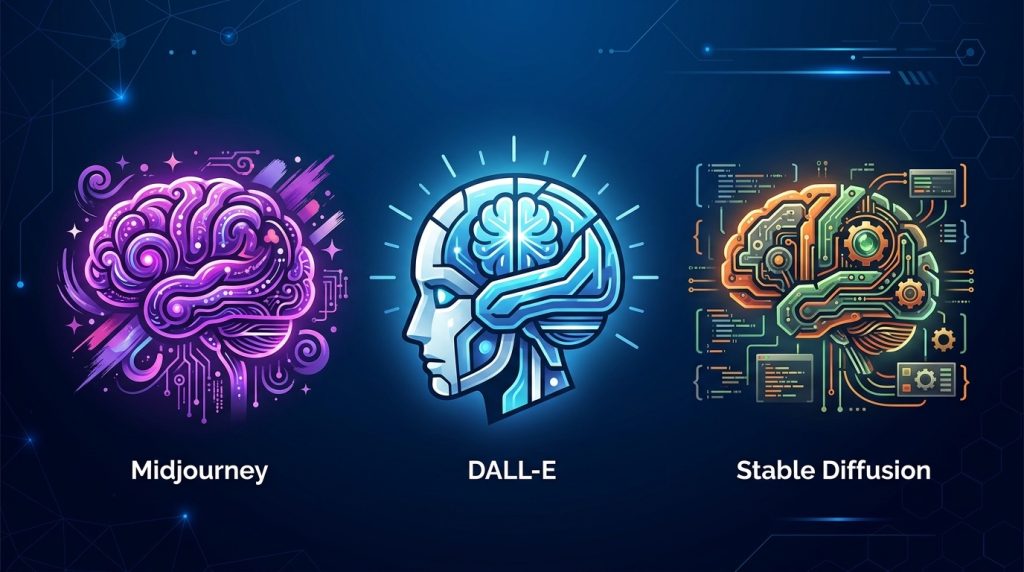
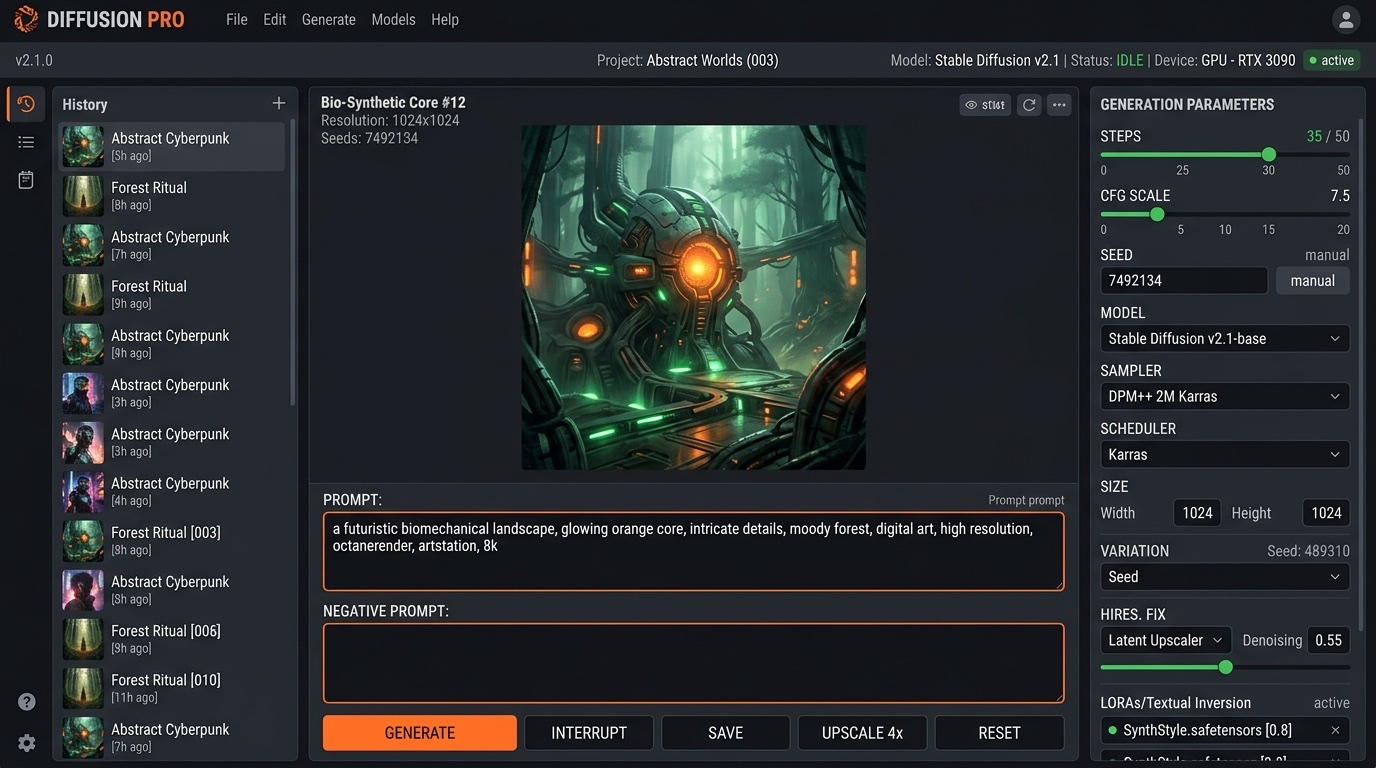
Three AI image generators dominate the market in 2026: Midjourney, DALL-E 3, and Stable Diffusion. They’re all powerful, but each one serves a completely different type of user. If you pick the wrong one, you’ll waste months fighting the tool. This guide breaks down exactly which one you should use based on what you’re actually trying to do.
The three leading AI image generators in 2026 each target a different creative audience.
Quick Verdict: Which One Should You Pick?
Midjourney — pick if you want the best-looking images with minimal effort. Best for marketers, designers, and artists.
DALL-E 3 — pick if you need accurate text rendering, fast iteration, and integration with ChatGPT. Best for content creators and casual users.
Stable Diffusion — pick if you want total control, free local generation, and custom models. Best for developers and tinkerers.
Midjourney: The Artist’s Choice
Midjourney v7 produces what most people consider the most visually stunning AI images available. Out of the box, its outputs look like professional concept art — rich colors, cinematic lighting, painterly details. You don’t need to be a prompt engineer to get great results.
Pricing: $10/mo (Basic) to $120/mo (Mega). All plans include commercial usage rights.
Strengths: Unmatched aesthetic quality, consistent style, strong community on Discord and web app.
Weaknesses: Poor text rendering, limited fine control, no free tier anymore, can feel “samey” across prompts.
DALL-E 3: The Integrated Workhorse
DALL-E 3 is built into ChatGPT Plus ($20/mo), which means you can iterate on images while chatting. It’s also the only major model that reliably renders text inside images — a huge deal for posters, memes, and UI mockups. Microsoft Designer and Bing Image Creator both run on DALL-E 3 and offer limited free usage.
Pricing: Free via Bing Image Creator, $20/mo via ChatGPT Plus.
Strengths: Best text rendering, natural language prompting, ChatGPT integration, prompt rewriting for better results.
Weaknesses: Less artistic variety than Midjourney, strict content filter, limited aspect ratios.
Stable Diffusion: The Power User’s Dream
Stable Diffusion is open source, which changes everything. You can run it locally on your own GPU, download thousands of fine-tuned community models, and control every parameter. The learning curve is steep, but no other platform offers this level of flexibility.
Pricing: Free (local) or $9/mo+ via hosted services like DreamStudio.
Strengths: Total control, free self-hosting, massive model ecosystem (Civitai, HuggingFace), ControlNet, LoRAs, inpainting, ComfyUI workflows.
Weaknesses: Steep learning curve, requires a decent GPU for local use, inconsistent quality without careful prompt work.
Head-to-Head Comparison
Feature
Midjourney
DALL-E 3
Stable Diffusion
Image Quality
9.5/10
8/10
8.5/10 (with right model)
Ease of Use
8/10
10/10
5/10
Text in Images
Poor
Excellent
Good (with SDXL/Flux)
Customization
Limited
Limited
Unlimited
Free Tier
None
Yes (Bing)
Yes (self-host)
Commercial Use
Yes ($10+)
Yes
Yes
Starting Price
$10/mo
Free / $20/mo
Free
Which Should You Use?
Content creators and marketers: Start with DALL-E 3 via ChatGPT Plus — the fastest workflow for blog images, social posts, and thumbnails.
Designers and artists: Midjourney. Nothing else matches its out-of-the-box aesthetic for concept art, storyboards, and high-end visuals.
Developers and power users: Stable Diffusion via ComfyUI. You get full control, can train your own models, and pay nothing after hardware.
Beginners who just want to play: Start free with Bing Image Creator (DALL-E 3) or DreamStudio.
FAQ
Which AI image generator has the best quality?
For pure aesthetic quality, Midjourney v7 leads. For photorealism and text accuracy, DALL-E 3 is often better. Stable Diffusion with the right fine-tuned model (like Flux or SDXL) can match both.
Can I use AI images commercially?
All three allow commercial use if you’re on a paid plan. Midjourney requires at least the $10 Basic plan. DALL-E 3 and Stable Diffusion allow commercial use across all tiers. Always check the license for the specific model you use.
Do these tools work on mobile?
Midjourney has a web app that works on mobile browsers. DALL-E 3 works through the ChatGPT mobile app. Stable Diffusion requires either a hosted service or a desktop computer.
Which is best for beginners?
DALL-E 3 via Bing Image Creator — it’s free, requires no setup, and you type plain English prompts. No Discord, no parameters, no GPUs.
Writesonic Review 2026: The AI Writer Built for SEO
Writesonic has carved out a unique position in the AI writing space by focusing heavily on SEO optimization. While competitors like Jasper emphasize brand voice and Copy.ai pushes multi-model access, Writesonic’s differentiator is its built-in SEO tools and a groundbreaking feature called Generative Engine Optimization (GEO).
What Is Writesonic?
Writesonic is an AI writing and SEO optimization platform that generates content with search rankings in mind from the first draft. It’s designed for content creators, bloggers, and agencies who prioritize organic traffic.
Key Features
AI Article Writer
Full blog post generation with built-in SEO optimization, keyword integration, and readability scoring.
Generative Engine Optimization (GEO)
Writesonic’s unique feature that tracks your brand’s visibility across AI platforms like ChatGPT, Gemini, and Google AI Overviews. This is a category-defining feature — no other writing tool offers it.
Site Audit Tools
Built-in site crawling and SEO auditing (up to 200 pages on the base plan).
Custom Writing Styles
Create and save 2-5 writing styles depending on your plan tier.
Readability Scoring
Real-time optimization suggestions to improve content readability and engagement.
Pricing
Plan
Price/Month
Articles
Key Feature
Lite
$49
15/month
Basic SEO, 2 writing styles
Standard
$79
More
Core integrations, SEO features
Professional
$149+
More
GEO access
Advanced
$200+
Unlimited
Prompt tracking, sentiment analysis
Pros and Cons
Pros: Best-in-class SEO integration, GEO feature unique in market, site audit tools included, high-quality readable output, custom writing styles.
Cons: Article limits on lower tiers, GEO only on mid-tier and above, more expensive than Rytr/Copy.ai base tiers, site audit limited to 200 pages on Lite.
Our Verdict: 8.5/10
Writesonic is the best choice for SEO-focused content creation. The GEO feature alone makes it worth considering if organic visibility matters to your business.
FAQ
Is Writesonic better than Jasper for SEO?
Yes. Writesonic’s built-in SEO tools and GEO feature give it a clear advantage for search-optimized content.
What is GEO?
Generative Engine Optimization — monitoring and optimizing your brand’s visibility across AI platforms like ChatGPT and Gemini.
Does Writesonic have a free plan?
Yes, a limited free plan exists with basic features.
How does Writesonic compare to Surfer SEO?
Writesonic generates content with SEO built in; Surfer optimizes existing content. They complement each other.