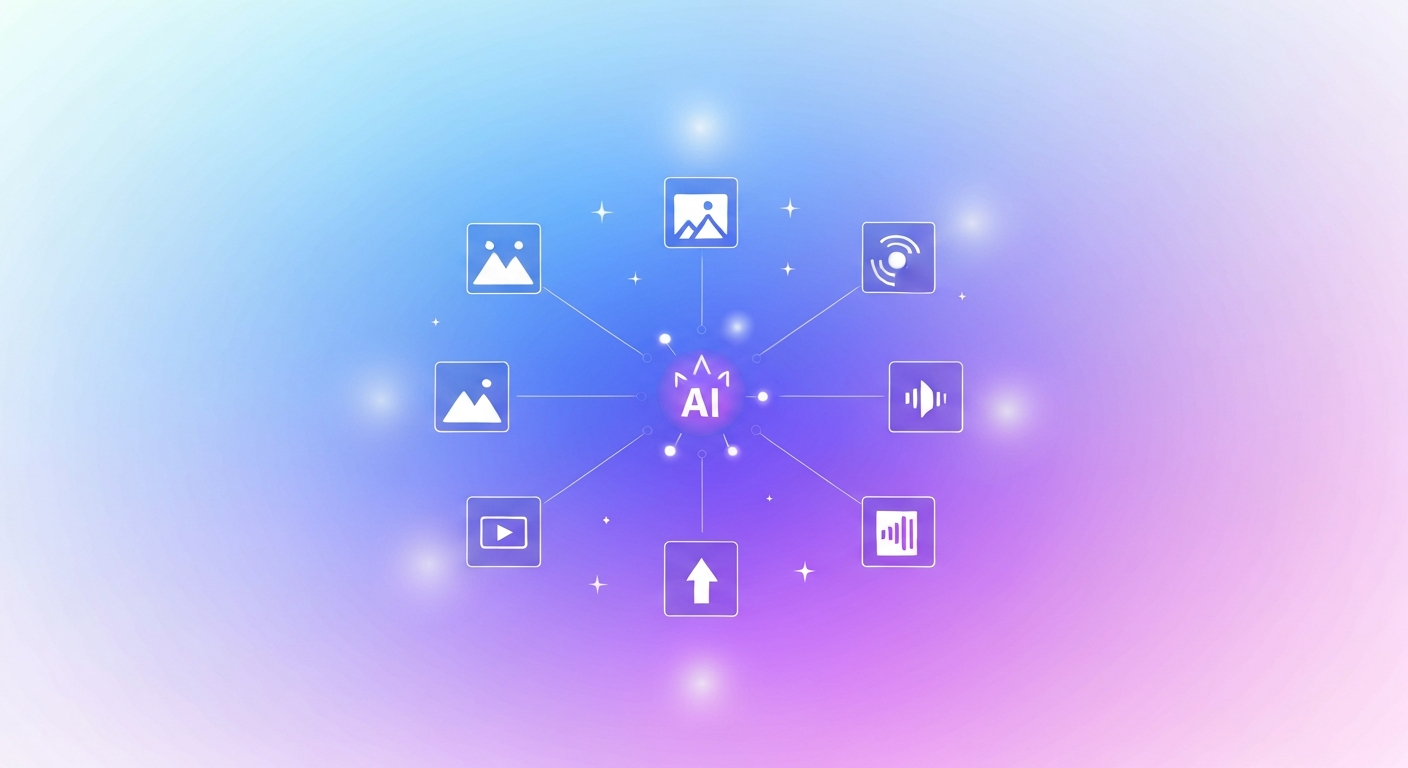
Freepik started as a stock-asset library and reinvented itself as one of the most complete AI creative platforms available. The Freepik AI Suite now bundles image generation, video, audio, editing and 200M+ stock assets into a single workflow – so you can take an idea from prompt to finished asset without switching tools. Here's exactly what's inside, the models that power it, what it costs, and whether it belongs in your workflow.
Overview
At its core, Freepik AI is an all-in-one creative suite that pairs a huge stock library with state-of-the-art generative models. Rather than subscribing to a separate image generator, video tool, voiceover app and upscaler, you get them under one login and one pricing page. That consolidation is the whole pitch: fewer subscriptions, one consistent workflow, and constant access to the newest models as they launch. Following its acquisition of Magnific, Freepik has leaned even harder into AI-first creation.
What's Inside the Freepik AI Suite
The suite covers the full content-creation pipeline:
- AI Image Generator – text-to-image with multiple models, plus Styles and Effects to control color, camera angle and lighting. (See our standalone AI image generator guide.)
- AI Video Generator – generate video from a text prompt or animate a still image.
- Audio tools – voiceovers, voice cloning, sound effects and a music generator.
- Editing suite – background and object removal, image extend, retouch and restyle.
- Upscaler – Magnific-powered, enhancing images up to 10K resolution.
- Stock library – 200M+ images, vectors, icons, 3D models and templates.
- Freepik Spaces – a collaborative, node-based canvas for building visual workflows.
The AI Models Powering It
One of Freepik's biggest advantages is that it doesn't lock you into a single model. The image generator lets you pick from leading engines – including Mystic (Freepik's own), Flux, Google Imagen and Ideogram, with newer models added as they ship – so you can match the model to the job. For video it taps Kling and Runway Gen-class models, and the upscaler runs on Magnific.ai technology. If video is your focus, our Runway AI guide digs into that engine specifically.
Brand Consistency: Custom Styles & Characters
For brands and repeat projects, two features stand out. Custom Styles let you train the AI on a set of reference images so every generation matches your aesthetic. Custom Characters keep the same person or mascot consistent across different scenes – invaluable for campaigns and storytelling. Freepik's own tips: upload reference images at least 2,000px on the long edge, include a diverse range of scenes and colors, and reinforce defining traits (“pink hair,” “smiling”) in your prompts.
Pricing & Plans
Freepik is generous at the bottom and layered above. The free tier typically includes around 10 daily stock downloads and 20 AI image generations per day – enough to test the platform properly before paying.
| Plan | Best for | Notes |
|---|---|---|
| Free | Trying it out | ~10 stock downloads + 20 AI images/day |
| Essential | Hobbyists | Low monthly cost, access to better models |
| Premium / Premium+ | Regular creators | More credits, Custom Styles, unlimited-tier access |
| Pro | Power users | Highest credit allowance and model access |
| Business / Enterprise | Teams | Shared credits, collaboration, content licensing |
The entry Essential tier often lands around $5–$6/month. Watch the credits: some premium features – like high-quality Custom Styles – can consume thousands of credits per use, so check the cost before you commit.
Who It's For: Pros & Cons
Pros: a genuine all-in-one workflow; freedom to choose between top models; early access to the newest features; a generous free tier; and strong results for product and brand visuals.
Cons: the tiered, credit-based pricing can be confusing; premium features are credit-hungry; output on the cheaper models can trail the very best single-purpose tools; and it isn't built for non-creative AI tasks like coding or customer support.
How to Get Started
- Create a free account – no credit card needed for the free tier.
- Pick a tool; the image generator is the best starting point.
- Write a descriptive prompt and choose a model and style.
- Generate, then edit, retouch or upscale, and download.
- Upgrade to Essential once you hit the daily limits.
Want to weigh up no-cost options first? Compare with our roundup of the best free AI image generators.
FAQ
Is Freepik AI free?
Yes – there's a free tier with roughly 10 stock downloads and 20 AI image generations a day. Paid plans unlock better models, more credits and higher limits.
What AI models does Freepik use?
Image models include Mystic, Flux, Google Imagen and Ideogram; video uses Kling and Runway-class models; upscaling runs on Magnific.ai.
Can I use Freepik AI content commercially?
Generally yes on paid plans, but commercial rights depend on your subscription and the asset's license – always check the plan's license terms.
Is Freepik better than a dedicated AI tool?
For all-in-one speed and convenience, yes. For absolute top-end quality in one discipline, a specialized tool may still edge it – but you'd need several subscriptions to match Freepik's coverage.