How to Write Better Prompts for AI Image Generators (2026 Guide)
A practical, model-by-model guide to writing AI image prompts that actually deliver — structure, style, lighting, negative prompts, aspect ratios, and reference images.
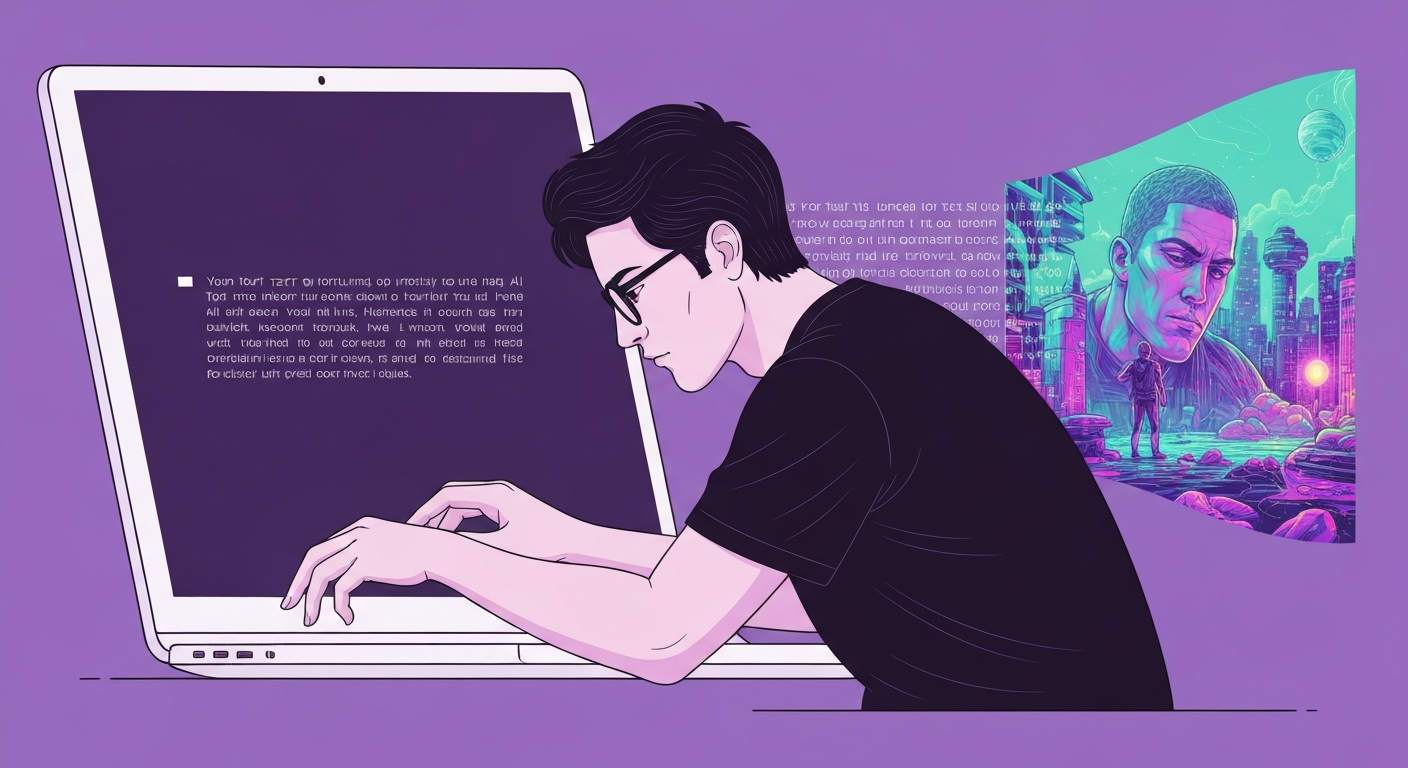
The gap between a generic AI image and a stunning one is almost never the model — it’s the prompt. The same generator that spits out a bland, lifeless picture from “a dog on a spaceship” will produce something you’d actually use when you feed it the right structure and detail. This guide breaks down exactly how to write prompts that get you there, including the model-specific quirks most tutorials skip.
Start with a simple, proven structure
Almost every strong image prompt follows the same skeleton: subject + style + details + format. Begin with what the image is of, then how it should look, then the specifics, then the output shape. You don’t need all four every time, but leading with the subject and style sets the tone the model uses to interpret everything after it.
Compare these two:
- Weak: “fox, forest, autumn, 8k, best quality”
- Strong: “A curious red fox exploring a misty autumn forest at dawn, golden sunlight filtering through colourful leaves, cinematic depth of field, photorealistic.”
The second version gives the model a scene to build, not a pile of disconnected keywords. Start simple, generate, then add detail on the next pass rather than trying to write the perfect paragraph on attempt one.
The building blocks of a great prompt
Once you have the skeleton, layer in the elements that give you control:
- Subject & context: who or what, and where. “A confident female entrepreneur in a modern office.”
- Style/medium: photo, oil painting, watercolour, 3D render, anime, low-poly, impressionist.
- Lighting: soft window light, golden hour, softbox, dramatic rim lighting — this single element changes mood more than any other.
- Framing & lens: close-up, wide shot, medium shot with shallow depth of field, 35mm.
- Colour & mood: neutral tones with pops of teal, warm and nostalgic, moody and desaturated.
- Quality cues: “photorealistic,” “sharp focus,” “high resolution” — use these as levers, not filler.
Aim for roughly four to six high-signal details. More isn’t always better; each detail should earn its place.
Prompting is model-specific now
This is the biggest shift in 2026, and the reason copy-pasted prompts often disappoint. Different generators want different inputs:
- ChatGPT / DALL-E: forgiving of long, conversational paragraphs and great for multi-turn editing (“now make the lighting warmer”).
- Midjourney: prefers short, high-signal phrases plus reference images over long sentences.
- Stable Diffusion: rewards structured, weighted keywords and supports true negative prompts.
- Ideogram: still the strongest for legible text inside images.
If you’re not sure which tool fits your project, our AI Tool Finder matches you to one in about 30 seconds, and our best AI image generator roundup compares the top options head-to-head.
Use negative prompts to remove what you don’t want
On platforms that support them (Stable Diffusion, and increasingly others), negative prompts tell the model what to avoid. Common exclusions — “blurry, low quality, distorted, watermark, extra fingers, cluttered background” — clean up the most frequent AI artefacts. Use them strategically rather than dumping a giant block; on models that don’t support negatives, simply describe the positive version of what you want instead.
Set the aspect ratio before you generate
Picking dimensions up front prevents awkward cropping later. Match the ratio to the use case: 16:9 for thumbnails and hero images, 1:1 for social posts, 4:5 for portrait feeds, 9:16 for mobile-first vertical content. Some tools take the ratio in the prompt; others (like Midjourney or Canva’s AI image generator) let you select it from a menu, which is more reliable than forcing it with text.
Reference images and consistency
When you care about likeness, brand style, or a repeating character, upload a reference and tell the model explicitly what to keep versus what to change. For a series — storyboards, product variants, a recurring mascot — use multi-image inputs and ask for a set with a consistent style. This is how you get five on-brand images instead of five strangers who vaguely resemble each other.
Getting photorealistic results
If you want a photo, say so. Including “photorealistic” (or “real photograph,” “professional photography,” “shot on 35mm”) strongly engages a model’s realistic mode. Then push detail with specifics that real cameras capture: “a light dusting of freckles, visible skin pores, cinematic catchlight in the eyes.” Those concrete physical cues do far more for realism than stacking “8k ultra HD masterpiece.”
A repeatable workflow
- State the job in one line: goal, subject, use case (“hero image for a coffee-brand landing page”).
- Add four to six high-signal details: medium, style, lighting, framing, mood, palette.
- Attach a reference if likeness or brand matters.
- Pick the aspect ratio.
- Generate, then refine one variable at a time — change the lighting, or the lens, not everything at once.
Iterating on a single element per pass teaches you what each keyword actually does, so your prompts get sharper over time.
Common mistakes to avoid
- Conversational filler like “please create an image of…” wastes tokens on keyword-driven models such as Midjourney and Stable Diffusion (though it’s fine for ChatGPT).
- Vague subjects (“a nice landscape”) hand all the creative decisions to the model.
- Over-stuffing — twenty adjectives fighting each other produces mush.
- Ignoring the model’s strengths — asking a weak-text model to render a logo with words will frustrate you; use the right tool for the job.
The bottom line
Better prompts come from structure, specificity, and knowing your model — not magic words. Start with subject + style + details + format, add a handful of meaningful details, set your aspect ratio, and refine one variable at a time. Do that and you’ll spend far less time re-rolling and far more time with images you’re happy to ship. For deeper dives, compare tools like Midjourney and DALL-E 3, or browse our full AI image generator guides.
Find the Right AI Tool for You
Not sure which tool fits your workflow? Take our 30-second finder quiz and get a recommendation.