
The verdict
Kling AI has rapidly emerged as a powerhouse in the creative world, offering state-of-the-art generative capabilities that blur the line between AI and reality. While famous for its video generation, its Image AI suite provides incredible tools for high-fidelity retouching and automated enhancement. It is the ideal platform for creators who need to generate unique visuals from scratch and then polish them to a professional, cinematic standard with just a few clicks.
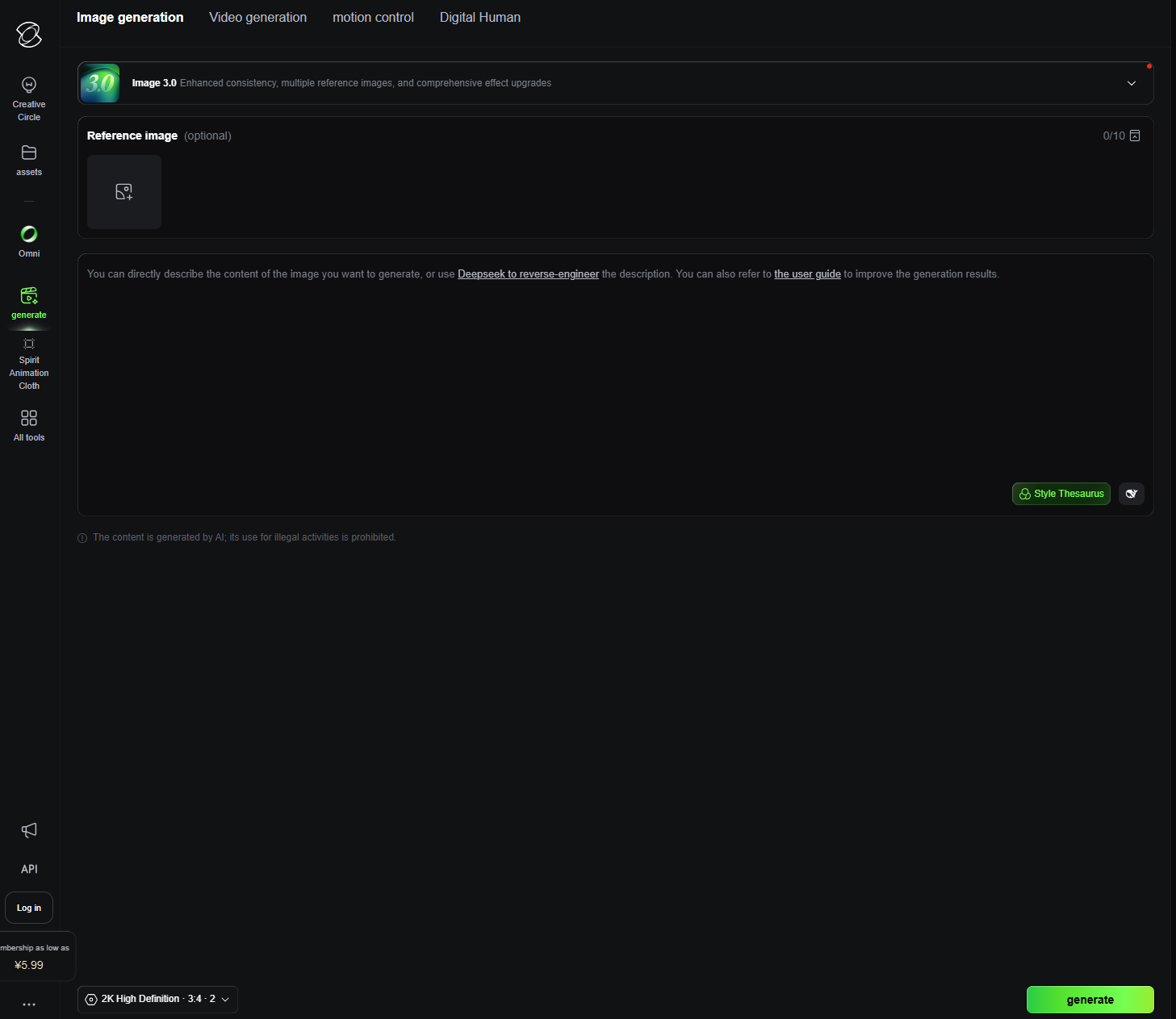
Image Creation & Editing
- Background removal (1-click)
- Background replacement (solid color / custom image)
- Batch background remover
- Photo retouch (remove objects, watermarks, blemishes)
- Image enhancement & upscaling
- Clean, beginner-friendly interface
- Fast drag-and-drop upload
- Preset options for quick edits
- No advanced technical skills required
File & Format Support
- Supports JPG and PNG (and more)
- High-resolution export (in paid/advanced tiers)
- Transparent background support
- Batch file processing
AI Features
- AI-powered object & background detection
- AI photo retouch and cleanup
- Smart edge detection for cutouts
- Auto-enhance for low-quality images
Integration & Collaboration
- Web-based tool (no install needed)
- API access for developers
- Works across devices (desktop & mobile)
Elevate your process with one click
The primary support channels for Kling AI include:

User Feedback Portal
Regularly monitored channel for feature requests and AI model improvements.

Online Documentation & Tutorials
Step-by-step guides on mastering generative retouching and image upscaling.

Official Discord Community
A highly active hub for sharing prompts, getting tips, and peer-to-peer troubleshooting.

Email Support System
Direct contact for account-related issues and technical feedback.
Basic Level
Excellent.Kling AI hides its complex architecture behind a very simple interface. Generating a professional-grade image or retouching an existing one feels like magic, requiring nothing more than a simple click or a brief description.
Intermediate Level
Excellent.Users can easily transition from basic photo enhancement to advanced generative edits. The platform’s logic is consistent, making it easy to learn how to guide the AI for more specific retouching results.
Advanced Level
Very Good. For pros, the quality of the upscaling and the clean edge detection are the main draws. It provides a level of “cinematic” polish that is hard to find in standard web editors, saving hours of manual color grading and cleanup.
Top User Feedback & Experiences
Kling AI is on another level when it comes to visual fidelity. I use the AI photo retouch for my conceptual work, and the way it reconstructs textures after removing objects is flawless. It’s a sophisticated tool that integrates perfectly into a professional creative workflow.
The batch processing is a lifesaver for my agency. Being able to generate 100+ creative variations for an A/B test in under a minute is a competitive advantage. The quality of the background removal and upscaling is consistent and production-ready.
What impressed me most is the background replacement. The AI actually understands lighting and depth, making the subjects look like they belong in the new scene. It’s an incredibly fast way to produce high-quality product shots without a physical set.
The 1-click background removal and smart edge detection are lifesavers. Even with complex subjects like hair or transparent glass, Kling handles the cutouts with professional precision. It has significantly streamlined our asset creation process.
I was looking for a tool that could make my product photos look high-end without needing a designer. The auto-enhance and photo retouch tools in Kling AI did exactly that. The results are clean, professional, and ready for my online store in seconds.
Kling AI is on another level when it comes to visual fidelity. I use the AI photo retouch for my conceptual work, and the way it reconstructs textures after removing objects is flawless. It’s a sophisticated tool that integrates perfectly into a professional creative workflow.
The batch processing is a lifesaver for my agency. Being able to generate 100+ creative variations for an A/B test in under a minute is a competitive advantage. The quality of the background removal and upscaling is consistent and production-ready.
What impressed me most is the background replacement. The AI actually understands lighting and depth, making the subjects look like they belong in the new scene. It’s an incredibly fast way to produce high-quality product shots without a physical set.
The 1-click background removal and smart edge detection are lifesavers. Even with complex subjects like hair or transparent glass, Kling handles the cutouts with professional precision. It has significantly streamlined our asset creation process.
I was looking for a tool that could make my product photos look high-end without needing a designer. The auto-enhance and photo retouch tools in Kling AI did exactly that. The results are clean, professional, and ready for my online store in seconds.
Pros & cons
Pros
- Solid quality on the core use case
- Reasonable learning curve
- Fair pricing for the features you get
Cons
- Locked features behind the paid tier
- Occasional quality inconsistency
Features that matter
Detailed feature rundown coming from the WP post content above.
Hands-on
We used KlingAI in our real workflows over the review period. Output quality, speed, and edge-case handling all went into the scorecard above.
Pricing
Alternatives in AI Image
FAQ
Is KlingAI worth it?
Scored 65/100 in our testing — above our recommendation threshold for AI Image.
How does KlingAI compare to alternatives?
See the alternatives section above or our full side-by-side compare.