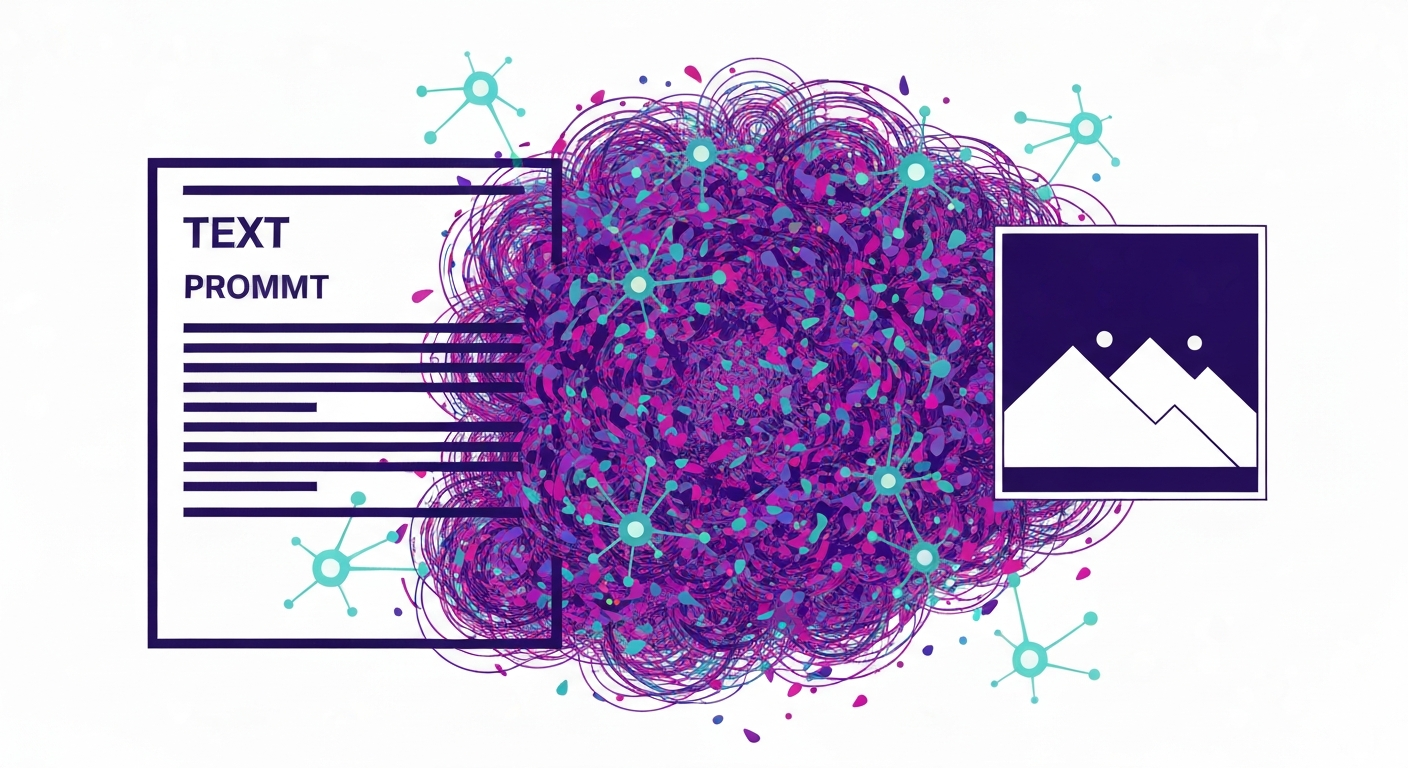
AI image generators turn text prompts into images by learning patterns from huge datasets of image–text pairs, then generating new pixels that match your description — most modern ones use "diffusion" models. Below, we break down what actually happens between your prompt and the finished picture.
The Core Idea: Text-to-Image
An AI image generator translates language into visuals. You provide a descriptive prompt (e.g., "a futuristic city at sunset, digital art, highly detailed") and the model produces an image representing it. It doesn't "understand" like a human; it has learned to associate textual features with visual patterns and styles.
Training: Learning From Image–Text Pairs
Models are trained on enormous datasets of image–text pairs — images with captions, alt-text, or tags. During training the network learns relationships: what a "cat" looks like across countless variations, how adjectives like "fluffy" or "majestic" change the picture, what "oil painting" or "photorealistic" imply, and how objects relate spatially. Crucially, it stores patterns and statistics, not copies of the training images.
Step 1: Understanding Your Prompt (Text Encoding)
First a text encoder converts your prompt into a numerical "embedding" — a high-dimensional vector capturing its meaning. CLIP-style encoders are trained so that related text and images sit close together in a shared space, letting the model align your words with visual concepts.
Step 2: Latent Diffusion (Generating From Noise)
Most modern generators use diffusion models. Imagine gradually adding noise to an image until it's pure static; a diffusion model learns to reverse that — turning static back into a coherent image. The "latent" part means this happens in a compressed space for efficiency: a VAE encoder compresses images into a latent representation, and a VAE decoder reconstructs the final picture later.
- Start with noise: a random pattern in latent space.
- Iterative denoising: a denoiser network (often a U-Net) takes the noisy latent plus your text embedding.
- Prompt guidance: guided by the embedding, it removes a little noise each step, nudging toward the described image.
- Repeat: over dozens to hundreds of steps, the latent resolves into a clear image.
Step 3: Decoding to Pixels
Finally the VAE decoder expands the denoised latent back into a full-resolution image you can see — like unzipping a compressed file.
| Stage | What happens |
|---|---|
| Prompt input | You type a descriptive prompt |
| Text encoding | A text encoder turns it into an embedding |
| Noise init | Random noise is created in latent space |
| Iterative denoising | A U-Net refines the latent, guided by the prompt |
| VAE decoding | The latent is converted to a visible image |
Guidance Scale (CFG)
The guidance (CFG) scale controls how strictly the model follows your prompt. High values force close adherence but can look rigid; low values give more creative freedom but may drift from the text. Tuning it balances fidelity and creativity.
Older Approach: GANs vs Diffusion
Before diffusion, Generative Adversarial Networks (GANs) pitted a generator against a discriminator. GANs produced impressive results but were hard to train stably and offered less control. Diffusion models have largely superseded them for text-to-image quality and controllability.
What Affects the Output
- Prompt quality — specificity and style cues.
- Seed — the random starting point; same seed + prompt + settings reproduces an image.
- Steps — more denoising steps refine detail (with diminishing returns).
- Resolution and model/checkpoint — different base models yield different looks.
- Negative prompts — tell the model what to avoid.
Beyond Text-to-Image
- Image-to-image: transform an existing image with a prompt — the basis of many AI photo editors.
- Inpainting/outpainting: fill a selected region or extend an image beyond its borders.
- ControlNet-style conditioning: steer composition with a sketch, pose, or depth map.
These techniques power the practical tools we review — from all-in-one suites like the Freepik AI suite to prompt-driven generators such as the Bing AI image generator.
Limitations
- Text rendering: legible words inside images remain hard.
- Anatomy: hands and complex poses can distort.
- Factual accuracy: models learn statistics, not physics or facts.
- Bias: internet-scale training data can carry and reproduce biases.
Ethics and Copyright
The field raises live questions: the provenance of scraped training data, impact on artists, potential for deepfakes and misinformation, and dataset bias. The legal and ethical frameworks are still evolving and remain debated.
How to Write Better Prompts
- Be descriptive — specific nouns and adjectives.
- Specify style, lighting, and composition.
- Use negative prompts to exclude unwanted elements.
- Iterate — change one variable at a time and compare.
Frequently Asked Questions
Are diffusion models better than GANs?
For text-to-image, generally yes — diffusion offers higher quality, more diversity, and better control, and avoids GAN issues like unstable training and mode collapse.
Why do AI-generated hands look weird?
Hands are anatomically complex and appear in countless poses and partial views in training data, so models struggle to reproduce them consistently — an active area of improvement.
Do AI image generators just copy existing images?
No — they synthesize new pixels from learned patterns rather than pasting training images. Outputs can occasionally resemble training data, but the mechanism is generation, not retrieval.
What is a "seed"?
A seed initializes the random noise. The same seed with the same prompt and settings reproduces the exact same image — useful for iterating consistently.
Bottom line: Modern AI image generators use diffusion to turn a text embedding into an image by iteratively denoising a latent, then decoding it to pixels — with prompts, seeds, steps, and guidance shaping the result.